Convert audio and extract music from video in your browser
A creator-friendly guide to changing audio formats and pulling audio tracks from local video files.
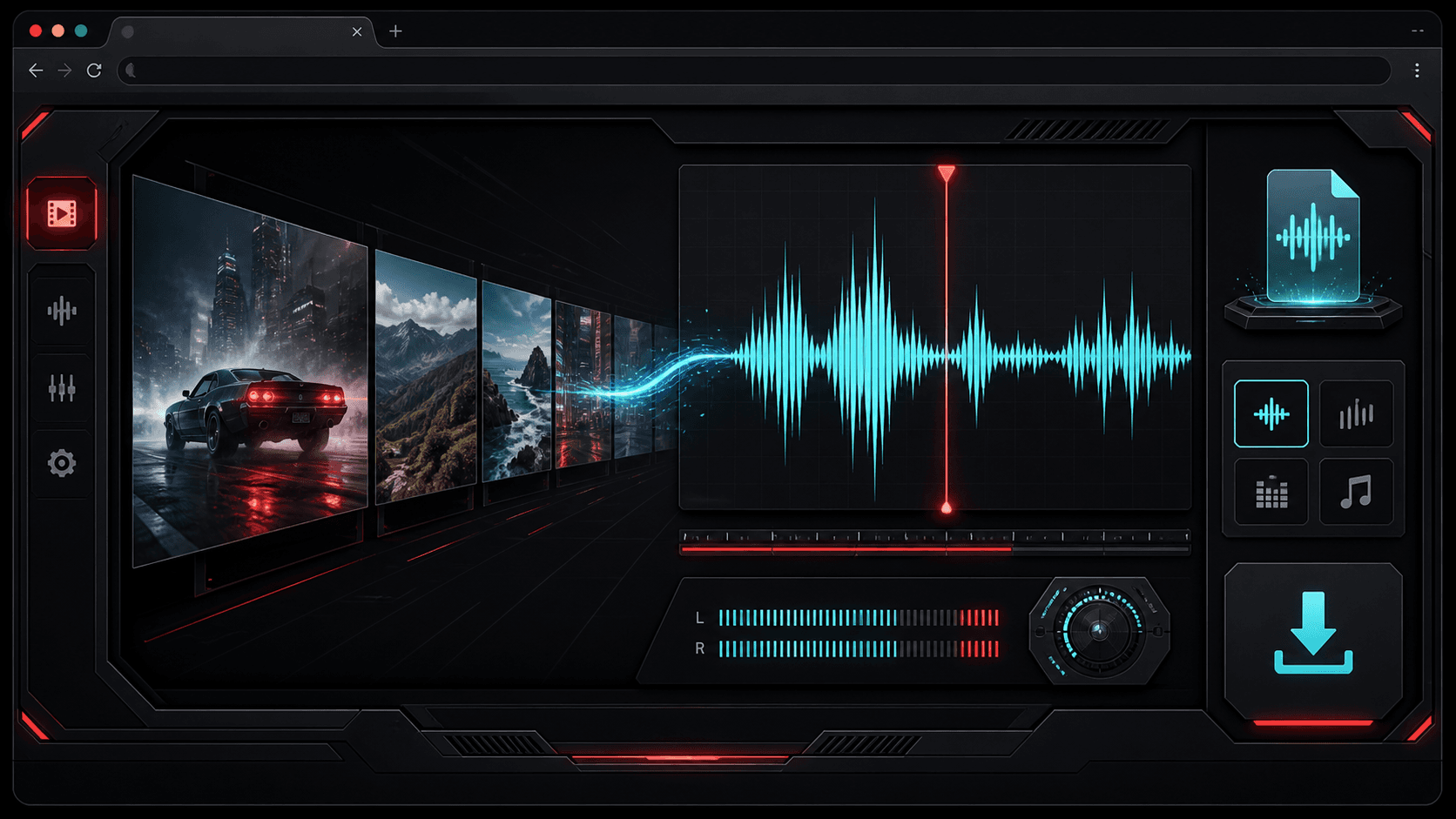
Audio tools are most useful when they are fast and predictable. TheFramex gives creators two focused paths: convert an existing audio file, or extract the audio track from a local video and save it in a chosen format.
Choose the output format for the destination
MP3 is a strong everyday format for sharing and smaller downloads. WAV is better when you need a larger, editing-friendly file. M4A, OGG, and FLAC can be useful depending on the platform or archive workflow.
Extract audio only from files you can use
Video to audio conversion works best for local files that you own or have permission to edit. It is not a social video downloader; it focuses on extracting sound from files already on your device.
Use audio conversion for compatibility
Different apps expect different audio formats. A podcast editor may prefer WAV, a messaging app may prefer MP3, and an archive workflow may prefer FLAC. Choose the export based on the next app in your workflow.
Preview the export intent before converting
Think about whether the final file is for editing, uploading, storage, or quick sharing. That decision makes format and quality choices much easier.
Avoid using conversion as a copyright workaround
TheFramex is built for local files and legitimate workflows. It does not download videos from social platforms, and users should only extract audio from files they own or have permission to process.
Quick checklist
Questions
Can I extract audio from a video file?
Yes. TheFramex can extract audio from supported local video files and export it as MP3, WAV, M4A, OGG, or FLAC.
Is this a YouTube downloader?
No. TheFramex video to audio conversion works with local files and does not download videos from platforms.
Which audio format should I choose?
MP3 is good for sharing, WAV is good for editing, and FLAC is useful when you want a larger file with stronger preservation.